
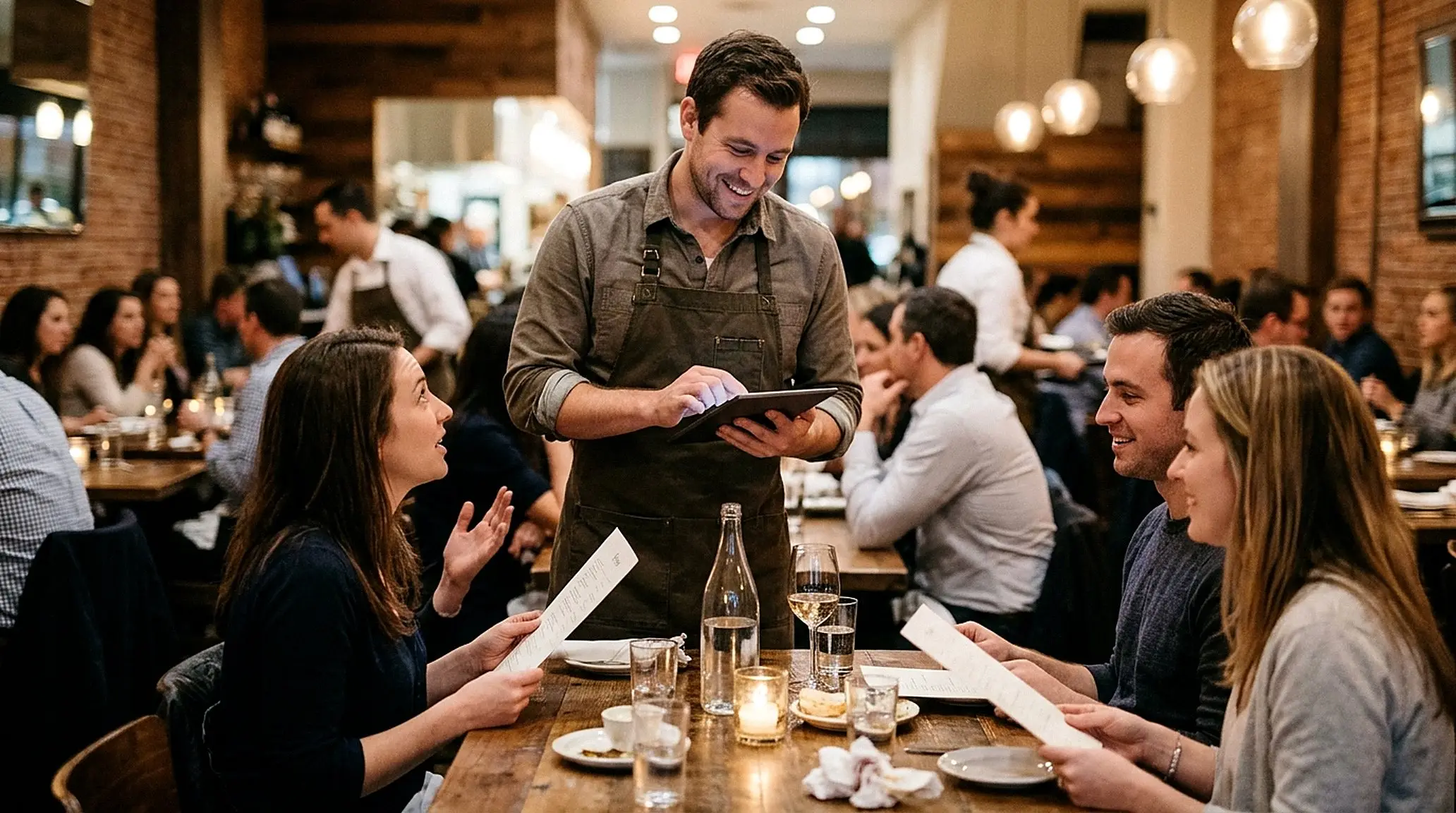
Run it on what you already own.
No proprietary terminals. iRestrack runs in the browser on the devices your team already knows how to use.
Bring your devices. Keep your budget.
Tablets & phones
Shared floor tablets, counter tablets and table-side handhelds, running iRestrack in the browser.
Mac & PC
A computer at the counter or in the back office works as a full register or manager console.
Receipt & kitchen printers
Standard USB, network or browser-connected printers, with kitchen order tickets routed per station.
Kitchen screens
Any screen with a browser becomes a kitchen display with timers and ticket actions.
Native iOS / Android shell
Where device identity must survive a browser reset, a native shell is available for your registers.
Card acceptance
Take card payments through Stripe, with iRestrack Pay or your own account.
Hardware questions.
Do I have to buy special terminals?
No. iRestrack runs in the browser on tablets, phones, Mac or PC. There are no proprietary terminals to buy.
Which printers work?
Standard USB, network or browser-connected receipt printers. Tell us your model during your demo and we will confirm the setup.
What about an offline connection?
iRestrack is a cloud platform and works best on a reliable connection. Talk to us about your venue’s network during your demo.
Tell us what you’re running today.
Share your devices and printers on a demo call and we will confirm exactly what works.